The single source of truth for engineering projects
EngifyHub puts documents, equipment, and approvals in one workspace — so electrical and mechanical engineers spend less time chasing revisions and more time engineering.
Free during alpha · No credit card required
5 registers · updated 4 min ago
Everything a project needs, in one place
Stop stitching together spreadsheets, file shares, and email threads. EngifyHub structures the whole project.
Document register
Every deliverable tracked from draft to approved. Project progression is calculated automatically from document status — one number that tells you how close you are to done.
Approvals
Route documents to reviewers — including clients outside your org — and see exactly what's blocking sign-off. Every decision leaves an audit trail.
Equipment catalog
Pick from a structured catalog with real part data and tag codes.
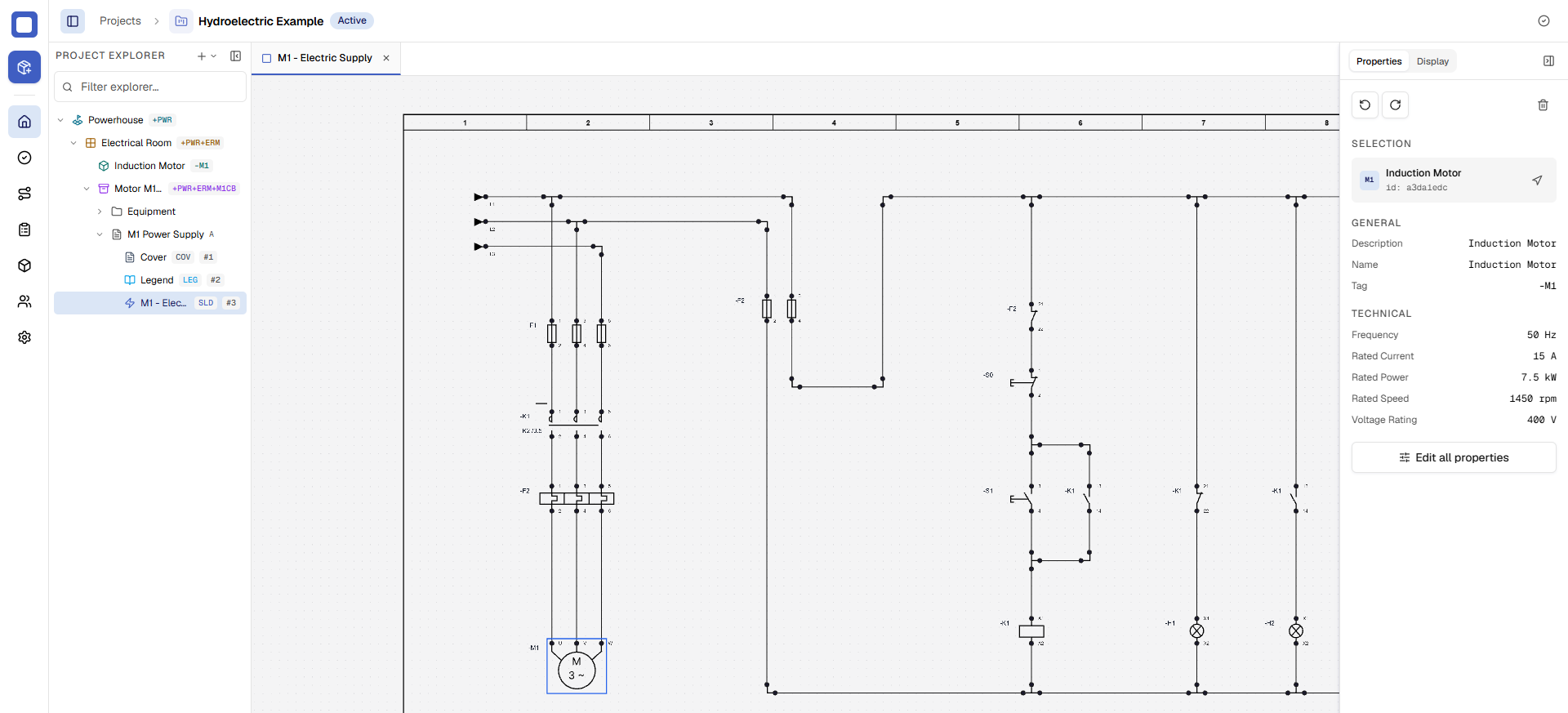
Project explorer
Rooms, cabinets, and folders mirror how the installation is built.
Revision history
Every change versioned. Compare revisions, never lose a markup.
The whole project at a glance
One workspace for the documents, the equipment, the people — and where everything stands.
From kickoff to handover in three steps
Create a project
Pick electrical or mechanical, set up rooms and cabinets, and invite the team. Takes about two minutes.
Switchgear room=MCC3MCDWPSAdd documents and equipment
Build document registers for each deliverable and pull equipment from the catalog as the design takes shape.
SLD-001-Q1-K1DraftRoute for approval
Send documents to reviewers, track sign-off, and watch project progression climb to 100%.
In reviewApprovedFree while we're in alpha
EngifyHub is free to use during alpha. Every feature is included while we build toward launch.
- Unlimited projects and documents
- Document registers and revision history
- Equipment catalog
- Approval workflows with audit trail
- Invite your whole team
EngifyHub is in alpha — everything is free while we finalize pricing. No credit card required.
Questions, answered
What kinds of projects is EngifyHub for?
Electrical and mechanical engineering projects — substations, plant retrofits, machine builds, panel design. If your project has documents, equipment, and approvals, it fits.
Do reviewers and clients need their own account?
No. External reviewers can be invited to review and approve documents without joining your organization.
Can I export my data?
Yes. Document registers export at any time, and your files are always yours. No lock-in.
What does the alpha include?
Full access to projects, document registers, the equipment catalog, approvals, and teams — free while we're in alpha.
Does it replace my CAD tools?
No — EngifyHub manages the project around your design work: the documents, the equipment data, the approvals. Keep using the design tools you already know.
Stop chasing revisions. Start engineering.
Join the alpha and bring your next project into one workspace.
Free during alpha · No credit card required